Hive Due Help Center

Hive Due web app user guide

This guide explains where things are in Hive Due and how the main actions work, using clear step-by-step language for first-time users.

Detailed user guide

1. Getting started example screenshot

1. Getting started

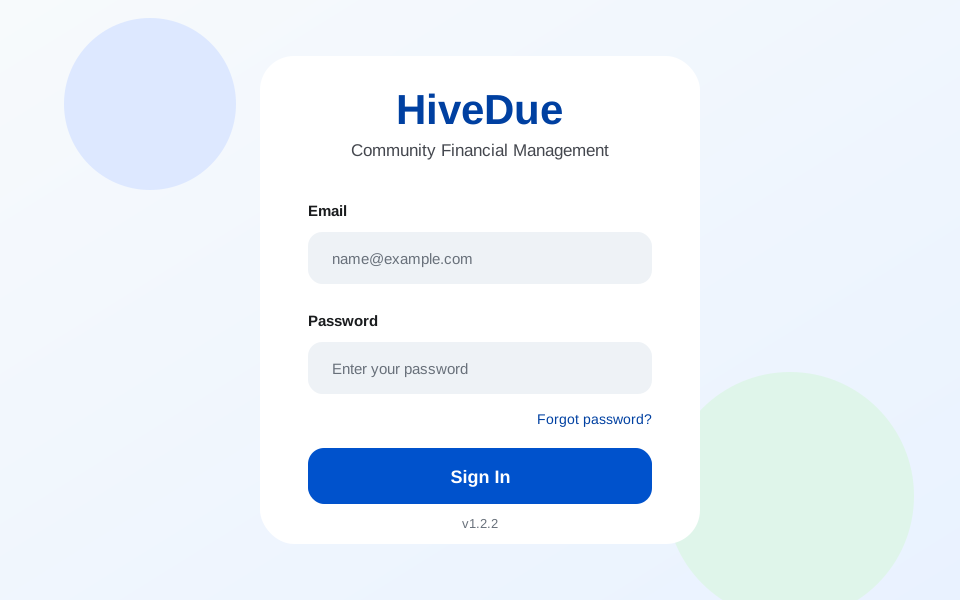
  • Sign in from your invitation email or open https://app.hivedue.com/ directly.
  • Use the community selector to choose the community you want to manage. Data refreshes for the selected community.
  • Administrator and resident portals have different navigation. Users with both roles can switch to the view they need.
  • Check language, notification, and profile preferences from the account menu.
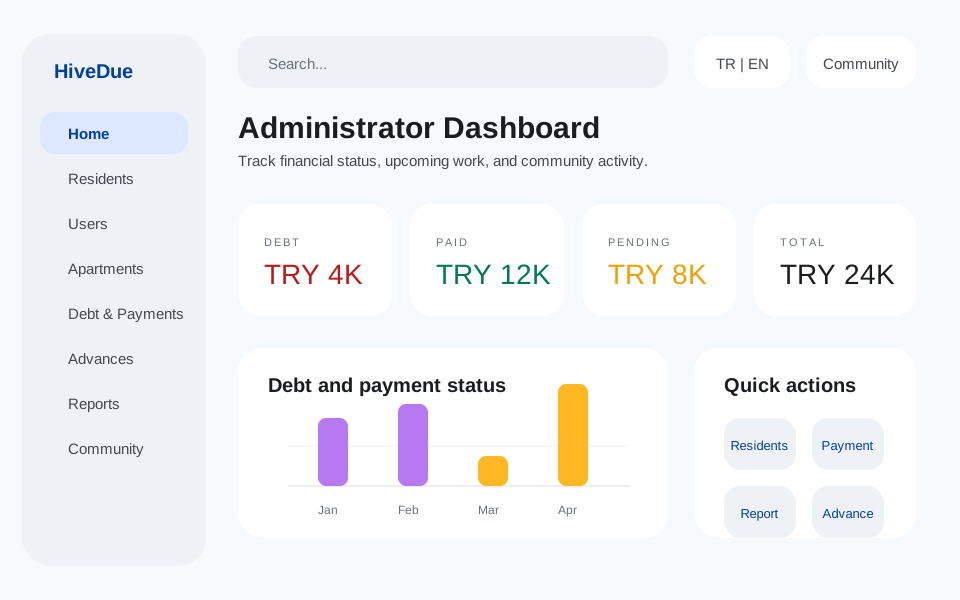
2. Administrator dashboard example screenshot

2. Administrator dashboard

  • The dashboard summarizes collection health with debt, paid, pending, and total cards.
  • Debt means overdue unpaid items only. Future dues are shown as pending.
  • Year and category filters update chart details. The debt card always reflects overdue debt across all years.
  • Top debtors, upcoming collections, monthly trends, and category distribution help administrators act quickly.
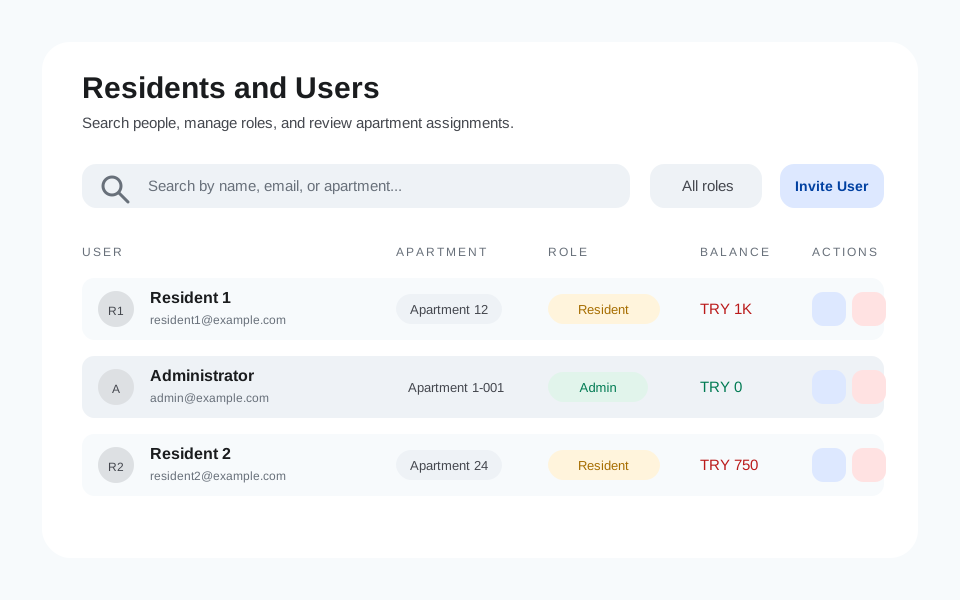
3. Residents and users example screenshot

3. Residents and users

  • Search residents by name, email, unit, or role. Use the role filter to separate admins and residents.
  • The user management screen lists users, assigned units, roles, and current overdue balance in one place.
  • Assign a role and unit while inviting a user. Pending invitations and join requests support search as well.
  • Critical actions require authorized administrator/admin permission so important records are not changed accidentally.
  • Administrators can open a resident dashboard as the resident would see it for support and payment checks.
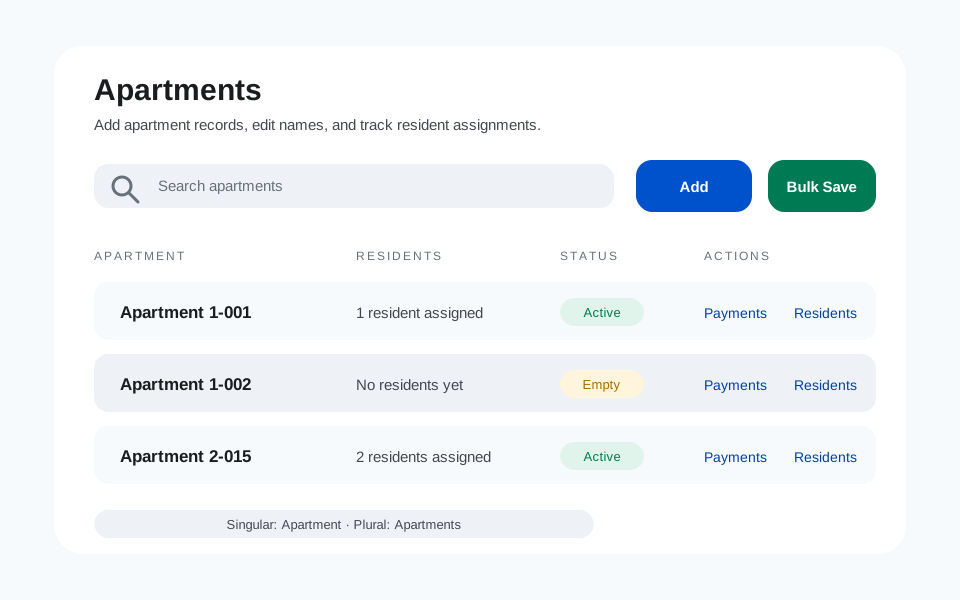
4. Units example screenshot

4. Units

  • Manage the physical records of your community from the Units page.
  • Community settings support singular and plural aliases such as Daire and Daireler in Turkish, or Apartment and Apartments in English.
  • Bulk create units from Excel, CSV, or PDF files. Preview shows errors and unmatched rows before applying changes.
  • Review resident, payment, and invitation impact before deleting a unit; critical actions ask for confirmation.
5. Area-based calculation example screenshot

5. Area-based calculation

  • Some communities calculate dues, tax, fines, or similar categories from each unit's square-meter area.
  • First save the area value for each unit from the Units page. You can update it manually or through an import.
  • Then choose which categories use area-based calculation from Settings > Community.
  • When base area, tolerance percentage, and extra-area multiplier are defined, Hive Due calculates the amount for each unit.
  • For example, if base area is 300 m2 and tolerance is 5%, 285-315 m2 is treated as normal. Values above or below that range receive an adjustment.
  • The recalculate action updates eligible future charges after the selected date and rounds calculated amounts up.
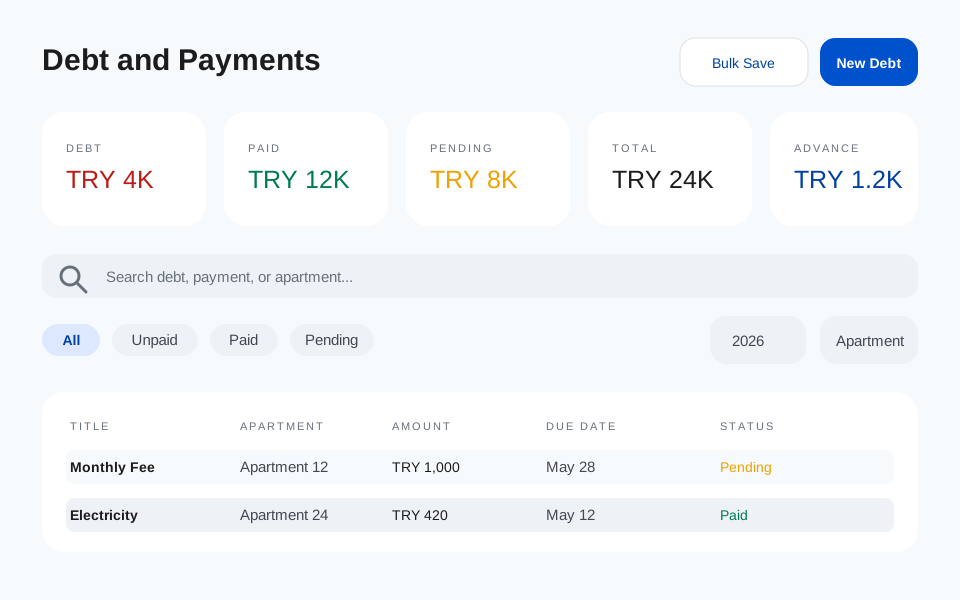
6. Payment and debt management example screenshot

6. Payment and debt management

  • The Payments page uses the same financial vocabulary everywhere: debt, paid, pending, total, and advance balance.
  • Debt is overdue unpaid items. Paid is collected items. Pending is future items. Total is all items in the selected period.
  • Combine year, category, status, and unit filters to narrow the table.
  • When recording a payment, administrators can choose the payment date, attach an optional receipt, and let Hive Due try to read amount and date from the receipt.
  • If only part of a charge has been paid, the record is shown as partially paid so the paid amount and remaining balance are clear.
  • Admins can edit or delete both payment records and unpaid charge items. Delete actions require confirmation.
  • All categories, including Tax and Fixed Assets, are available in filters and creation flows.
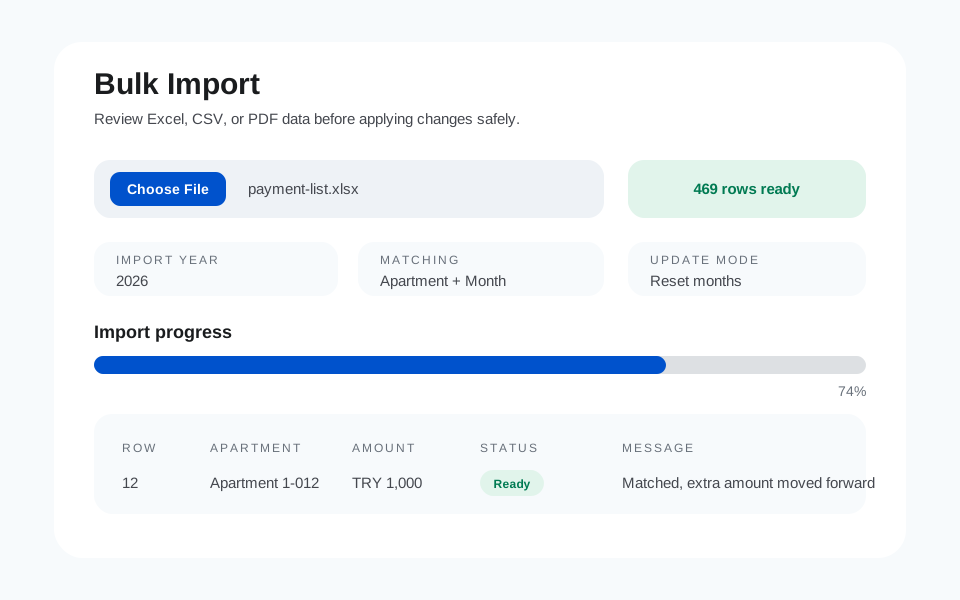
7. Bulk import and advance balance example screenshot

7. Bulk import and advance balance

  • Excel, CSV, and PDF imports run through a preview step before changes are applied.
  • Zero-value rows are ignored. Matching is based mainly on unit and month, so a changed amount does not leave a row unmatched.
  • Imports can reset and rebuild records for the imported months from the latest file.
  • Negative values are handled as advance/escrow balance. For example, if a resident pays 1000 TRY and the invoice is 300 TRY, the remaining 700 TRY is tracked as advance.
  • When a matching monthly charge is missing, Hive Due asks whether it should create the charge automatically; the default is yes.
  • If a row pays more than the current month requires, the remaining amount can be distributed into eligible future dues automatically.
  • Long imports freeze the interaction surface and show progress so duplicate imports cannot be triggered accidentally.
8. Reports and exports example screenshot

8. Reports and exports

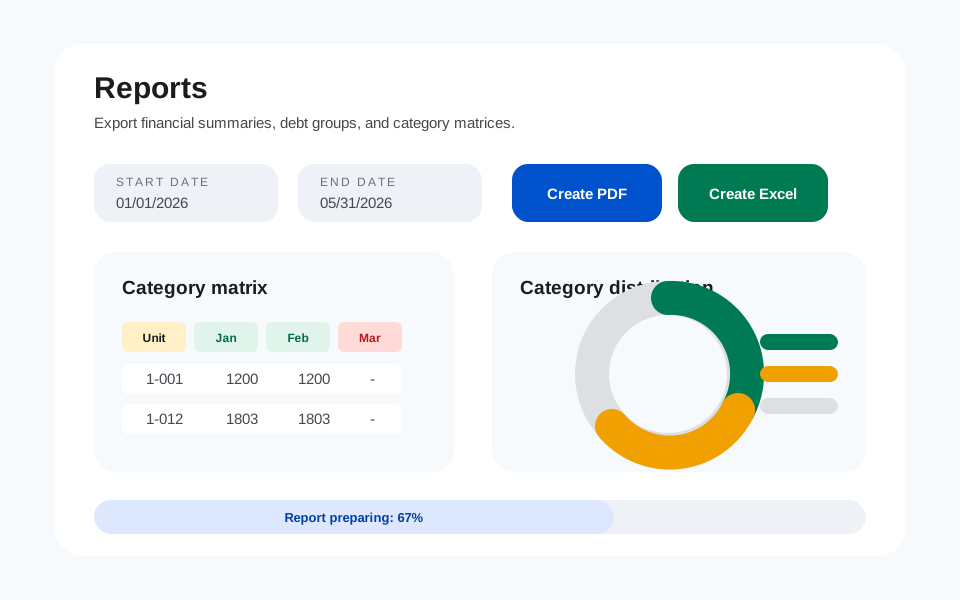
  • Reports are generated from selected date range, category, and community data.
  • PDF and Excel exports follow the active application language.
  • Exports include charged amount, collected amount, outstanding amount, collection rate, charge details, and payment movements.
  • Grouped debt reports show how much of a recurring or one-off charge group has been collected across all units.
  • A single debt-group report can include the residents or units that have not paid yet.
  • Category matrix reports display units as rows and months as columns, making monthly payment coverage easy to scan.
  • Report files are prepared in the background and returned as downloadable links when ready.
9. Announcements, documents, forum, directory, and support example screenshot

9. Announcements, documents, forum, directory, and support

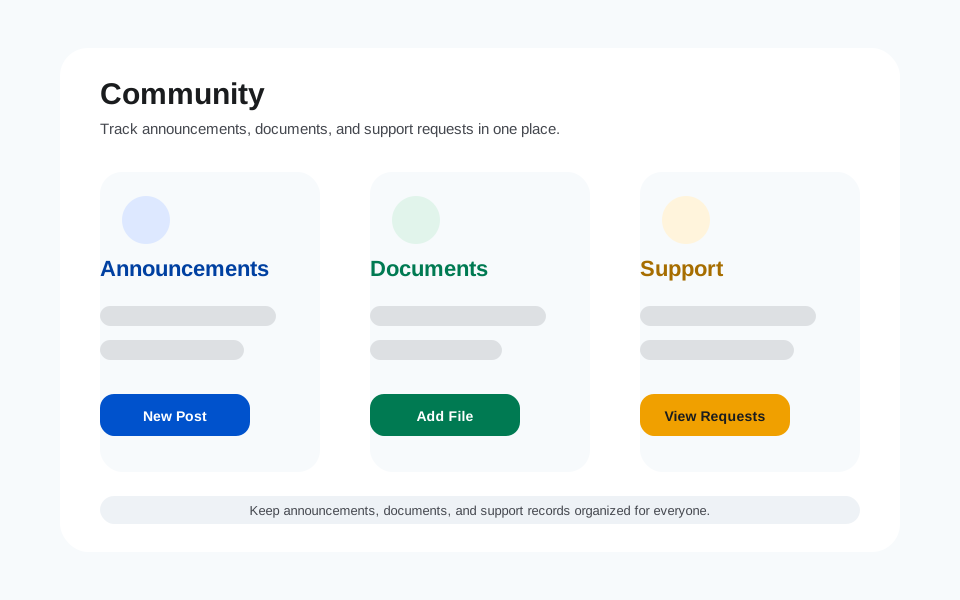
  • Announcements are used for quick community communication; resident emails can be sent in the background.
  • The document library stores bylaws, meeting minutes, invoices, and reports. Document email notifications do not block the UI.
  • Forum threads let residents share useful information, reply, react, and receive realtime badge updates for followed topics.
  • The directory stores useful companies, official offices, lawyers, accountants, and service contacts. Resident suggestions are published after administrator approval.
  • Support requests keep a full thread until they are resolved.
  • Replies and resolution updates can notify the resident by email.
10. Resident portal example screenshot

10. Resident portal

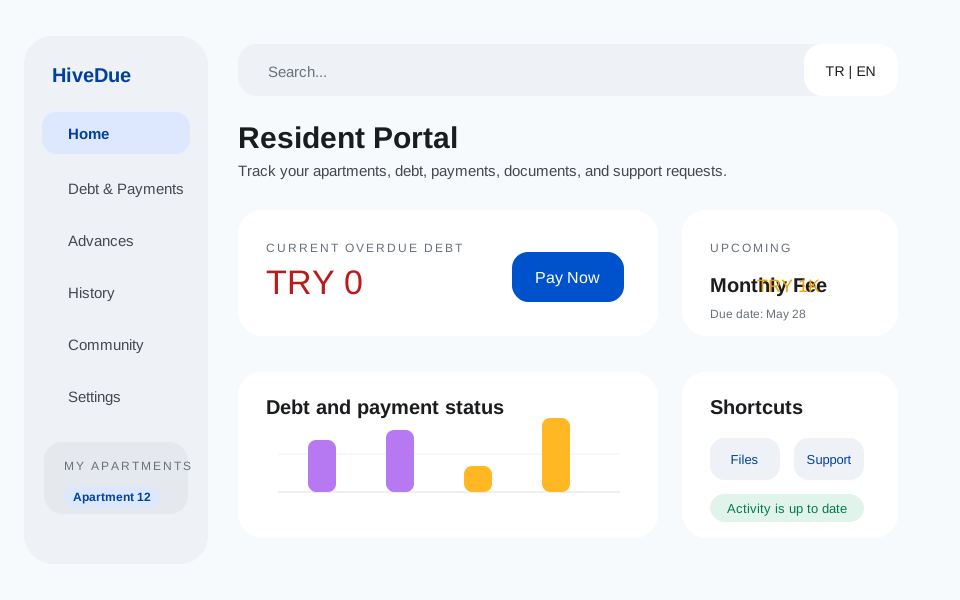
  • Residents can track debt, payments, pending items, and advance balance from their payment screen.
  • Current unpaid balance includes only overdue debt; future payments are shown separately as pending.
  • Residents can update name, surname, phone, and profile photo from Settings. Email and community settings are excluded.
  • Residents can open support requests, follow threaded replies, and view documents and announcements.

Short summary

Administrators manage records, residents see their own information, and debts, payments, documents, announcements, and support are handled from one place.

Before an action

Choose the correct community and apartment first. Then check amount, date, and category before saving.

When help is needed

Use search, filters, and reports if a record looks confusing. Residents can open support requests to ask administrators a question.

Bring Hive Due to your community

The web app is ready today. Mobile apps coming soon.